


Shopify stores don’t lose conversions only because of design. They lose conversions because the experience feels slow: images pop in late, layouts jump, taps lag, and the first interaction stutters. In 2026, performance is still one of the highest ROI improvements a brand can make.
This guide explains Core Web Vitals in plain English and gives a practical Shopify checklist to improve them without rebuilding everything.
If you want hands-on help, MoonImpact supports performance work as part of theme development and scalable section systems via custom coding and sections.
What are Core Web Vitals
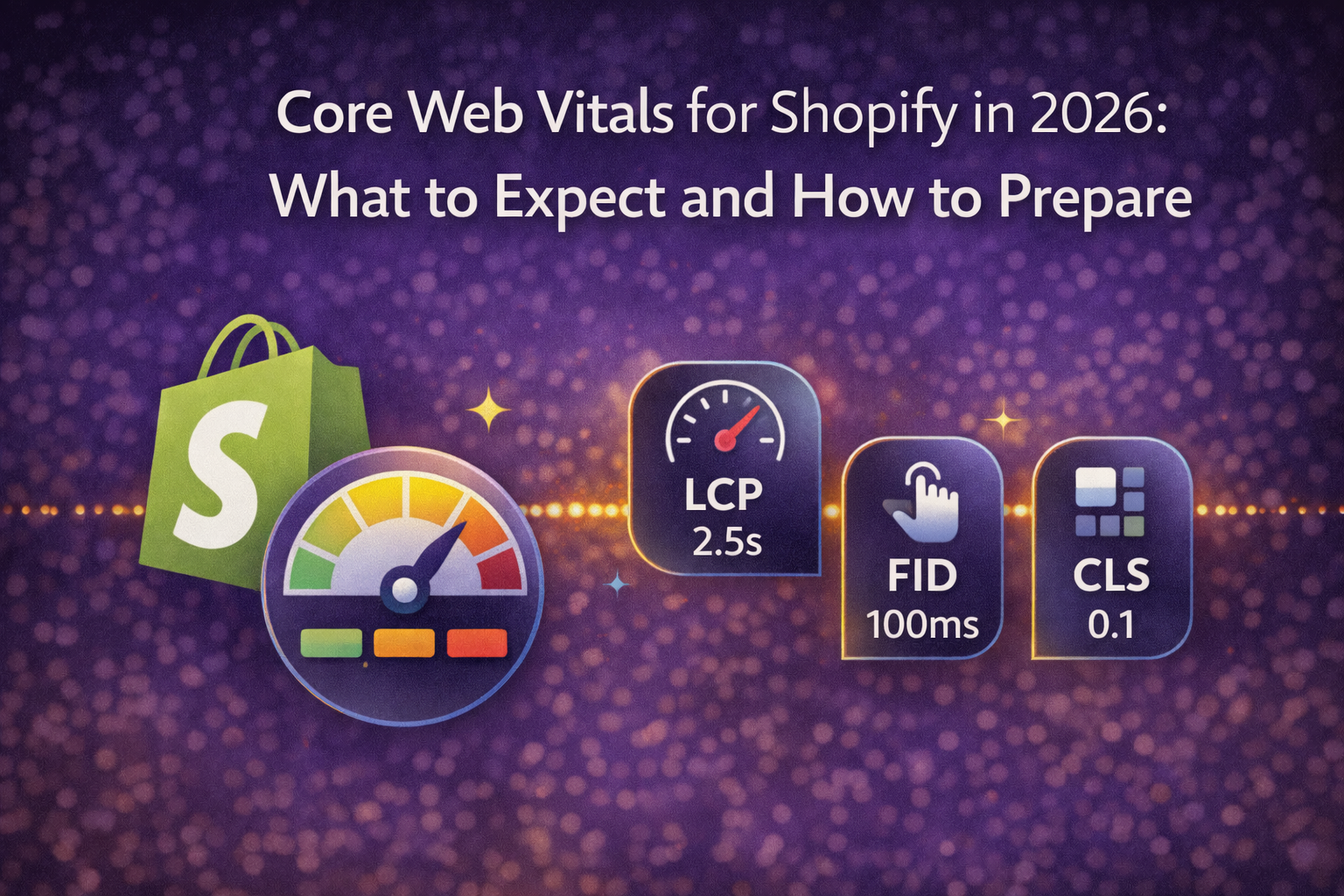
Core Web Vitals are Google’s user experience metrics focused on real-world loading and interaction quality. In 2026, the key metrics to watch are:
- LCP (Largest Contentful Paint): how fast the main content becomes visible
- INP (Interaction to Next Paint): how responsive the page feels when users interact
- CLS (Cumulative Layout Shift): how much the layout moves unexpectedly
Authoritative reference: Core Web Vitals.
How to measure performance on Shopify
Before fixing anything, measure it the same way every time:
- PageSpeed Insights for real-field data and lab tests
- Lighthouse for repeatable audits
- Chrome DevTools for debugging scripts, layout shifts, and network waterfalls
External references: PageSpeed Insights, Lighthouse overview.
Tip: Measure at least these templates: Home, Collection, Product, Cart. That’s where most revenue and friction lives.
Common Shopify performance killers (and what to do)
1) Too many third-party scripts
Every extra script adds network cost and can block the main thread, hurting INP. Trackers, chat widgets, review widgets, and personalization tools stack up quickly.
Fix: Remove what you don’t need, defer non-critical scripts, and avoid loading the same library multiple times.
2) App bloat and duplicate functionality
Apps can ship heavy JavaScript and CSS. Multiple apps solving overlapping problems is common on mature stores.
Fix: Audit your app list and keep only apps that produce measurable value. Replace some features with lightweight theme code when possible.
3) Unoptimized images and missing width and height
Large images slow LCP. Missing dimensions cause CLS when the browser doesn’t know how much space to reserve.
Fix: Use responsive images, compress assets, and ensure image containers reserve space to prevent layout shift.
4) Theme architecture that fights the browser
Over-nested DOM, heavy animations, and unnecessary reflows can hurt responsiveness.
Fix: Clean templates, reduce DOM complexity, and use simpler patterns that render predictably.
5) Layout shift from late-loading elements
Popups, fonts, banners, and late-injected UI cause CLS if they push content around.
Fix: Reserve space, avoid injecting above-the-fold elements late, and preload critical fonts responsibly.
The 2026 Shopify Core Web Vitals checklist
Improve LCP (loading speed)
- Optimize the largest above-the-fold image (hero or product image)
- Reduce app scripts on Home, Collection, and Product templates
- Minimize render-blocking CSS and heavy font loads
- Keep sections above the fold lightweight and reusable
Improve INP (responsiveness)
- Reduce main-thread JavaScript from apps and tracking scripts
- Limit expensive DOM operations and heavy event listeners
- Defer non-critical scripts and avoid loading redundant libraries
- Test interactions like variant switching, add to cart, and filtering
Improve CLS (layout stability)
- Set explicit dimensions for images and media containers
- Avoid late-inserting banners or UI above the fold
- Prevent font swaps from shifting layout
- Reserve space for dynamic elements like badges and review stars

Where performance work fits into a Shopify rebuild
Performance improvements land fastest when paired with a clean system approach:
- Online Store 2.0 theme architecture
- Schema-driven sections that are editor-friendly and lightweight
- Clear rules for scripts and app usage
- Repeatable QA across core templates
If you want to build this foundation, start here:
FAQ
Does Shopify Plus automatically make my store faster?
No. Shopify Plus provides strong infrastructure, but storefront speed depends on your theme, assets, and third-party scripts. Performance work is still required.
What is the fastest Shopify speed win?
In most stores, reduce third-party scripts and app bloat on key templates, then optimize the largest above-the-fold image for LCP.
Can custom sections hurt performance?
Yes, if they are built with heavy scripts or unnecessary assets. Clean, reusable sections with sensible defaults are usually faster than page-builder style sections.
How often should I audit Core Web Vitals?
At minimum after major theme changes, app changes, or campaign launches. Many brands run a monthly performance check.