


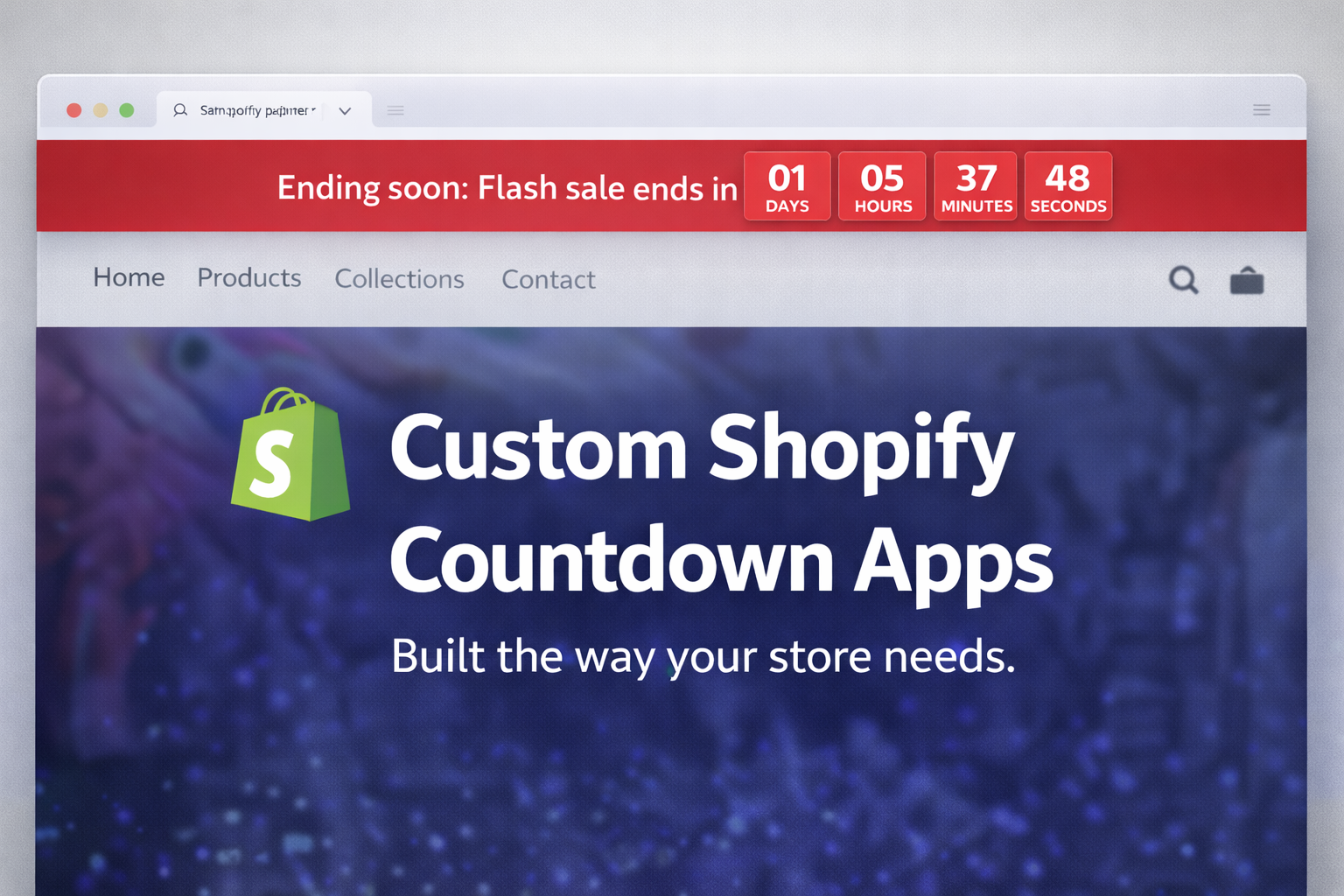
A countdown timer may seem simple, but growing Shopify stores often require more than a generic app. The ideal solution creates urgency where appropriate, aligns with the brand, and remains easy for the merchant team to manage.
Shopify stores use countdown apps for flash sales, limited-time offers, product launches, shipping cutoffs, and campaign banners. However, most off-the-shelf timer apps are designed for broad use, not tailored to individual store needs.
A custom Shopify app addresses these limitations.
Rather than adapting campaigns to generic settings, a custom countdown app can be tailored to the store’s workflow. It can display on selected products, collections, the homepage, or multiple entry points, each with specific rules.
Why a custom countdown app makes sense
A timer should support real business goals while maintaining a clean user experience, strong performance, and straightforward administration.
Cleaner targeting
Display the timer only where it adds value, rather than using a global countdown across the entire storefront.
Brand control
Ensure the timer matches the store’s typography, spacing, colors, and placement, rather than relying on a generic widget style.
Better merchant control
Provide the team with simple controls for scheduling, product and collection selection, messaging, and campaign visibility.
Shopify’s theme architecture uses templates, sections, and blocks. App functionality can be added through theme app extensions and app blocks, allowing for a custom countdown experience that integrates seamlessly with the storefront. Shopify Help Center and Shopify.dev provide documentation on using sections, blocks, and app blocks to extend themes.
What this kind of app can do
A custom countdown app is not limited to a single banner or timer format. It can be designed to support the specific campaign types the store runs.
1. Countdown only for specified products
Some promotions are relevant only to a select group of products. A custom app can target these products, making it ideal for featured items, limited editions, low-stock promotions, or product-specific flash sales.
- Display on hand-picked products only
- Use different messages per product group
- Hide automatically when the timer expires
- Support multiple campaigns without changing theme code every time

2. Countdown only for specified collections
Some stores launch campaigns by Some stores launch campaigns by collection rather than by individual product. In these cases, a timer can appear only on selected collection pages and, if needed, on the products within those collections.e categories, and launch collections
- Can use different dates for different collections
- Can support collection landing pages and related product templates
3. Countdown only on the homepage
For broader campaigns, the homepage serves as the main promotional area. A custom homepage countdown can be implemented as a dedicated section or app block, with merchant-friendly controls for messaging, deadlines, styling, and visibility.
- Works well for major sale periods and launch announcements
- Keeps urgency centralized instead of repeating the same timer everywhere
- Can be tied to homepage hero content or promotional rows
4. Different countdown rules for different parts of the store
The most valuable version is often not one timer, but a flexible system. A client may want one timer in the header, another on a launch collection, and another on a set of product pages. A custom app can be built to support that level of control from one implementation.
How the app can be customized
A custom Shopify app does more than display a countdown; it adapts the feature to the store’s specific commercial requirements.
Placement rules
Header, homepage, product pages, collection pages, campaign landing pages, or combinations of all of them.
Targeting rules
Selected products, selected collections, selected templates, or schedule-based conditions.
Content rules
Different headings, urgency text, end dates, callouts, and post-expiry behavior.
Design rules
Styling that aligns with the brand, theme, and mobile experience, avoiding the appearance of a generic plugin.
BShopify allows merchants to manage theme sections and blocks in the theme editor, making maintenance straightforward. Shopify’s documentation explains how to add app blocks to compatible themes, which is essential for building merchant-friendly storefront features. See Shopify’s app block configuration guidance and sections and blocks overview.Benefits for the merchant
- Greater control: the timer can follow actual campaign logic rather than the constraints of a generic app.
- Cleaner UX: the countdown appears only where it adds value.
- Brand consistency: the design matches the storefront, avoiding the appearance of a third-party overlay.
- Less app stacking: one focused solution can replace multiple woReduced app stacking: a single, focused solution can replace multiple workarounds.e team actually updates campaigns.
When a store should consider this
A custom countdown app is ideal for stores that run frequent campaigns, require more control over urgency placement, or find existing timer apps limiting.
It also makes sense when the countdown is part of a bigger storefront strategy that includes theme development, custom sections, or broader Shopify Plus optimization.
MoonImpact can build this around the store’s exact needs
There is no reason for every Shopify store to use the same countdown logic. Some need a simple homepage timer. Some need product-level flash sale timers. Some need a header countdown tied to one market, one collection, or one campaign date.
That is exactly where custom Shopify development is useful. MoonImpact can build a countdown app that works the way the client needs it to work, including:
- timers only for selected products
- timers only for selected collections
- timers only on the homepage
- different timers among different page types
- merchant-friendly controls for scheduling and visibility
- styling that complements the storefront rather than conflicting withIf the requirements extend beyond a countdown, MoonImpact also develops custom Shopify apps for campaign logic, workflow automation, and integrations.ions.
Need a custom Shopify countdown app?
If a store requires a countdown for selected products, collections, the homepage, or a specific campaign flow, MoonImpact can build it to meet those exact needs.
Contact MoonImpact to discuss the timer logic, placement, and merchant workflow that would best suit your store.
FAQ
- Can this countdown app show only on selected products?
- Yes. The display logic can be limited to chosen products, product groups, or product-based campaign rules.
- Can it run only on selected collections?
- Yes. The app can be configured so the countdown appears only on chosen collections or collection-related experiences.
- Can it be homepage only?
- Yes. Some stores want one homepage countdown for a major launch or sale window, and that is a clean use case for a custom implementation.
- Can the design match the theme?
- Yes. A custom app can be designed to fit the storefront’s existing UX instead of looking like a generic plugin layer.