


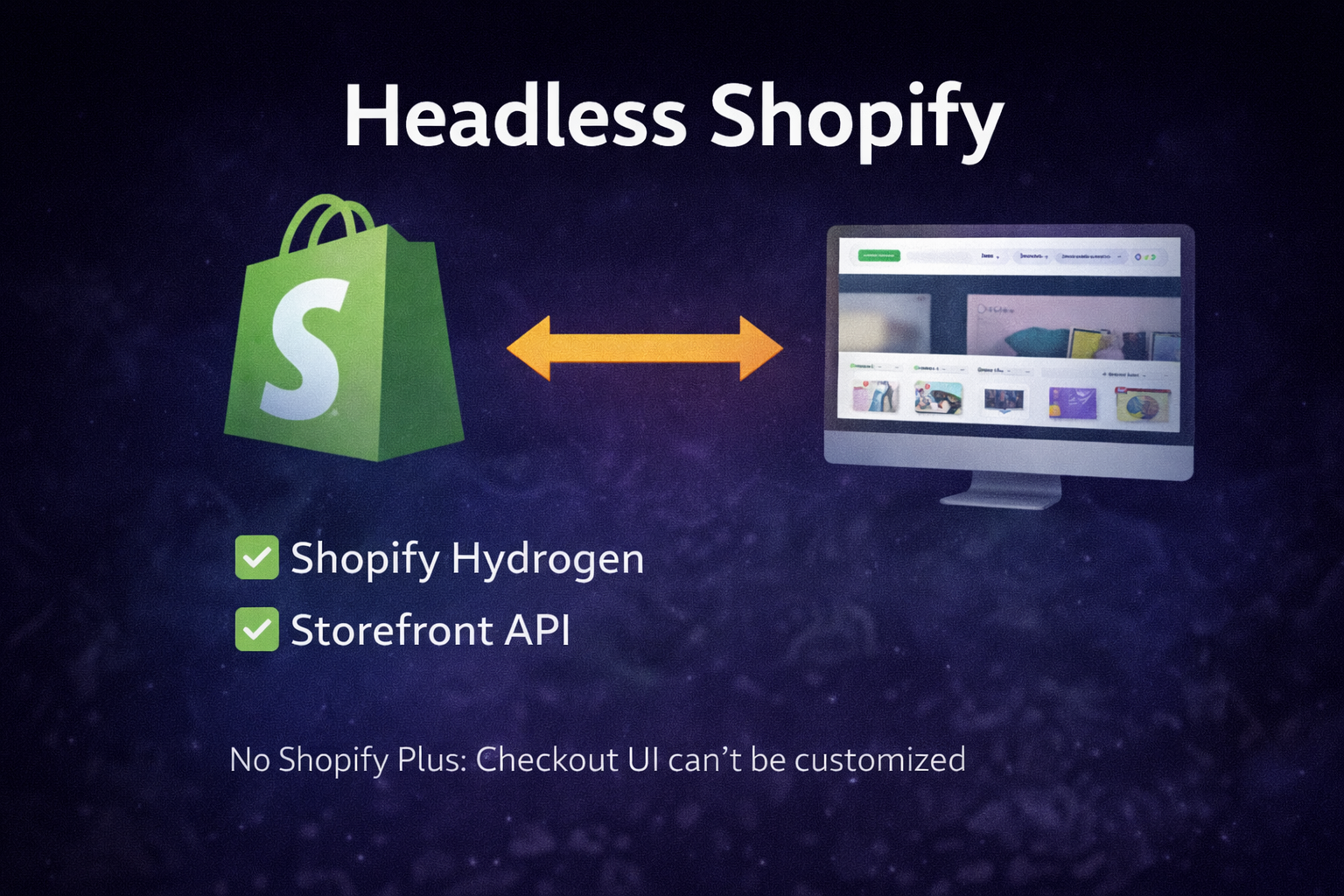
Headless Shopify means your storefront is decoupled from Shopify’s Liquid theme layer. You keep Shopify as the commerce engine (products, pricing, inventory, orders), while the customer-facing website is built with a modern framework like React.
Brands choose headless to ship faster experiences, build custom UX, improve performance, and integrate with complex stacks. But headless is not automatically better for every store. The best approach depends on your catalog, marketing workflow, checkout needs, and operational complexity.
This article answers a common question: Do you need Shopify Plus to go headless? Then it breaks down what is possible on standard Shopify plans versus what Plus unlocks.
If you want help planning or building a headless storefront, see our service page: Headless Shopify Development.
Do you need Shopify Plus for a headless Shopify build?
No. Shopify Plus is not required to build a headless storefront. You can build headless on standard Shopify plans using Shopify APIs such as the Storefront API. Shopify Plus becomes important when your requirements go beyond a single storefront and especially when you need deeper checkout customization in the main checkout steps.
Headless is built around Shopify’s APIs and tooling, including Hydrogen. Shopify’s Plus plan highlights headless capabilities such as building multiple Hydrogen storefronts on Oxygen for larger organizations. (See: Shopify Plus plan features.)
What headless Shopify looks like in practice
Option A: Headless storefront and Shopify hosted checkout
This is the most common and usually the smartest approach. Your custom frontend handles browsing, product pages, collection UX, and cart, then sends the customer to Shopify’s secure hosted checkout.
Benefits:
- Keep Shopify Payments, fraud protection, taxes, and shipping logic
- Lower risk than building a full custom checkout
- Faster to ship and easier to maintain
Option B: Headless storefront and fully custom checkout
This is possible, but it’s more complex and higher risk. Building a bespoke checkout means you must handle payment flows, edge cases, compliance, and ongoing maintenance. Shopify notes that you can build bespoke checkout experiences with components and APIs, but this is typically an enterprise-level effort. (See: Shopify on headless checkout.)
What Shopify Plus unlocks for headless builds
1) Deeper checkout customization in checkout steps
If your headless setup redirects to Shopify checkout, Shopify Plus can unlock more customization inside checkout. Shopify’s developer documentation states that Checkout UI extensions for the information, shipping, and payment steps are available only to stores on a Shopify Plus plan. (See: Checkout UI extensions (Shopify.dev).)
In practice, this can matter when you need features like:
- Custom checkout UI blocks and logic during the main steps
- More advanced checkout workflows and validation
- High-control experiences for complex businesses
2) Multiple Hydrogen storefronts on Oxygen
Shopify Plus features mention the ability to build multiple custom storefronts with Hydrogen and deploy them on Oxygen. This is relevant for brands with multiple storefront experiences, regions, or distinct public URLs. (See: Shopify Plus plan features.)
3) Enterprise-level workflows and scaling
Plus is often paired with headless when you have complex operations, higher volume, advanced discounting needs, and larger teams.
If you’re evaluating Plus, see our page: Shopify Plus Experts.
What you can do on standard Shopify plans without Plus
You can build a high-performing headless storefront without Shopify Plus. Here’s what typically works well on non-Plus plans:
- Custom storefront built with Hydrogen or another framework using Shopify APIs
- Modern collection and product page UX with fast performance
- Custom cart experience, merchandising logic, and flexible content systems on the frontend
- Redirect to Shopify’s hosted checkout for payment and order completion
Hydrogen is Shopify’s headless commerce framework. Learn more: Hydrogen documentation and Hydrogen fundamentals (Shopify.dev).
Most headless storefronts use Shopify’s Storefront API for commerce data. Reference: Storefront API reference (Shopify.dev).
What you can’t do or shouldn’t plan without Shopify Plus
Without Plus, you should assume the following limitations:
- Checkout UI extensions in the main checkout steps (information, shipping, payment) are Plus-only. (See: Shopify.dev Checkout UI extensions.)
- If your strategy requires deep checkout logic and UI control during the main checkout flow, you may need Plus.
- Multi-storefront and multi-domain setups can introduce plan-related constraints depending on how you want to deploy and manage multiple storefront experiences.
Important: Some checkout customization may still be available outside of those Plus-only steps (for example, thank-you and order status customizations can vary by plan and Shopify updates). The safest way to scope your checkout needs is to define the desired checkout changes first, then map them to Shopify’s capabilities on your plan.
When headless is the right choice
Headless is usually a good fit when you need at least one of the following:
- Highly custom UX on collection and product pages
- Performance goals that are hard to reach with a theme and app-heavy setup
- Complex content and merchandising workflows
- Deep integrations with CMS, PIM, ERP, or custom backend systems
If your primary goal is faster iteration inside the Theme Editor, you may not need headless. A well-built Shopify 2.0 theme system with custom sections can be the better ROI. See: Theme Development and Custom Coding and Sections.
How MoonImpact approaches headless Shopify
MoonImpact builds headless storefronts with a performance-first, maintainable architecture:
- Front-end UX designed for conversion
- Clean integration with Shopify APIs
- SEO-safe routing, metadata, and internal linking
- Pragmatic checkout strategy based on plan and requirements
Start here: Headless Shopify Development or Contact.
FAQ
Do I need Shopify Plus to use Hydrogen?
No. Headless storefronts can be built without Shopify Plus. Shopify Plus becomes important when you need Plus-only checkout customization in the main checkout steps or multiple large-scale storefront deployments.
Can a headless storefront still use Shopify checkout?
Yes. This is the most common approach: the headless storefront handles browsing and cart, then redirects to Shopify’s hosted checkout for payment and completion.
What is the biggest technical risk in headless?
Scope creep and custom checkout complexity. The safest builds keep Shopify checkout and focus headless effort where it creates the most value: UX, performance, and scalability.
Is headless better for SEO?
It can be, if routing, metadata, structured data, and performance are implemented correctly. SEO also depends on preserving content intent and internal linking during any rebuild.